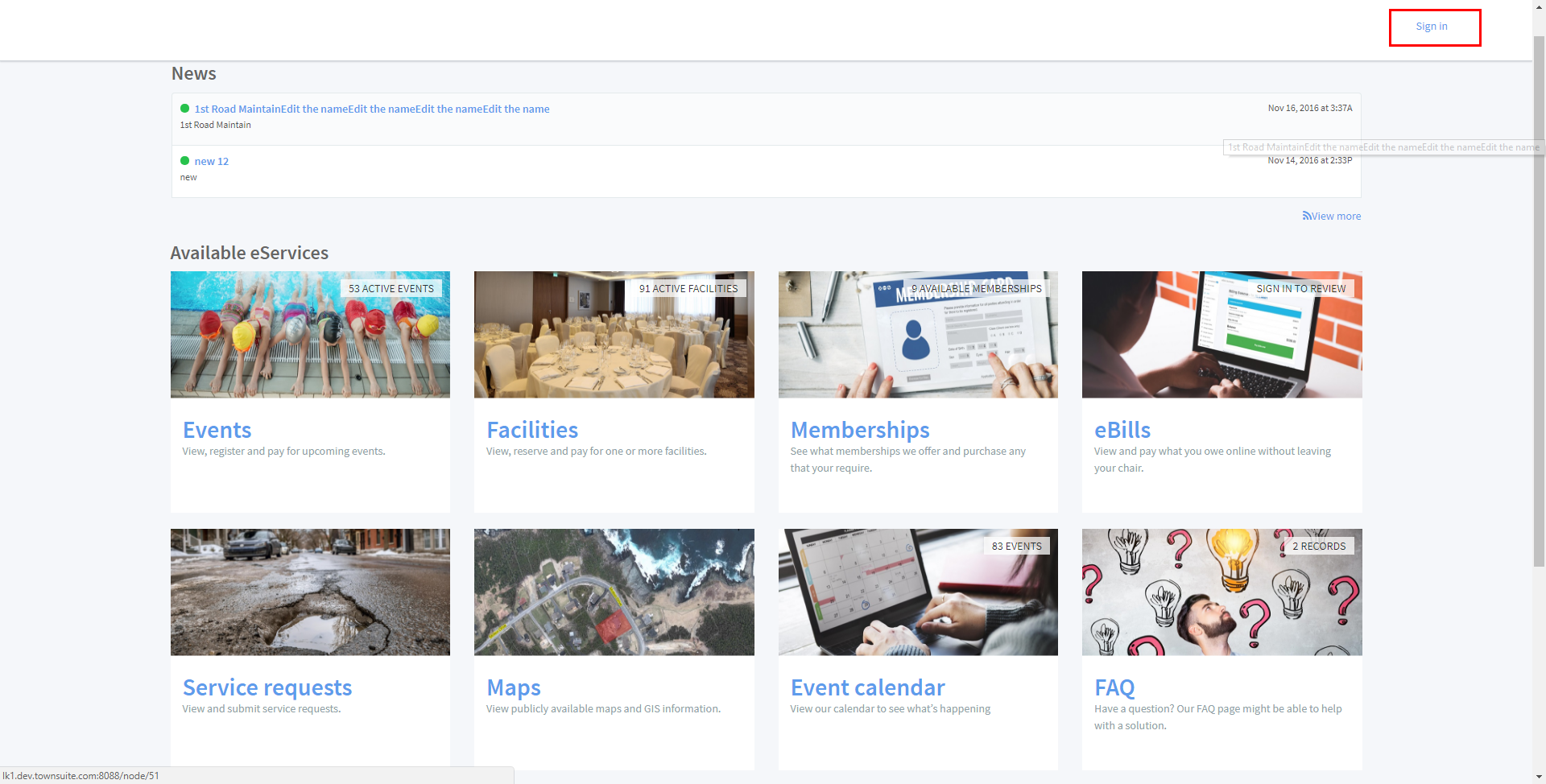
- Go to the link your municipality has provided for their eServices.
- First, access the “Sign in” link
- To create an account click on the “Sign up now” button. You will be navigated to the “Choose Sign Up Option” page.
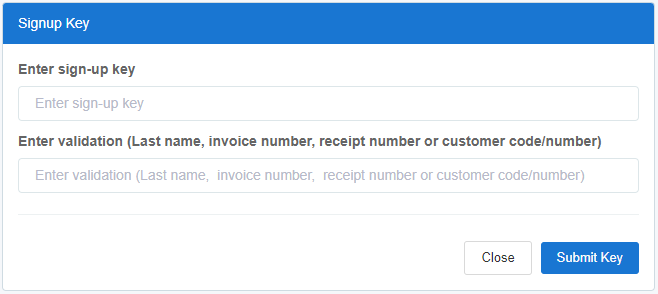
- To sign up as a resident or business owner account will require a signup and/or activation key which would be sent out by your municipality. Your key can also be affixed to the bottom of tax and utility bills. If you do not have this information available please contact your municipality directly for more information. You will also be required to enter a piece of validation information (Last name, invoice number, receipt number OR customer code/number).
- Please enter your First name, Last name, Date Of Birth, Email, and Password. You should enter a strong password.
- To confirm the account as you are not a spambot and to agree with terms and conditions, you should tick the “I am not a spambot” and “I agree to the Terms of Service and Privacy Policy” check boxes.
- To finish the registration click the “Register” button. To close the form without registering you should click on the “Close” button.
- Upon clicking on the “Register” button, you receive an email with a verification link.
- Find the email and click the verification link.
- Use your account.
Account registration and login

Comments
0 comments
Please sign in to leave a comment.